AI Agent branding
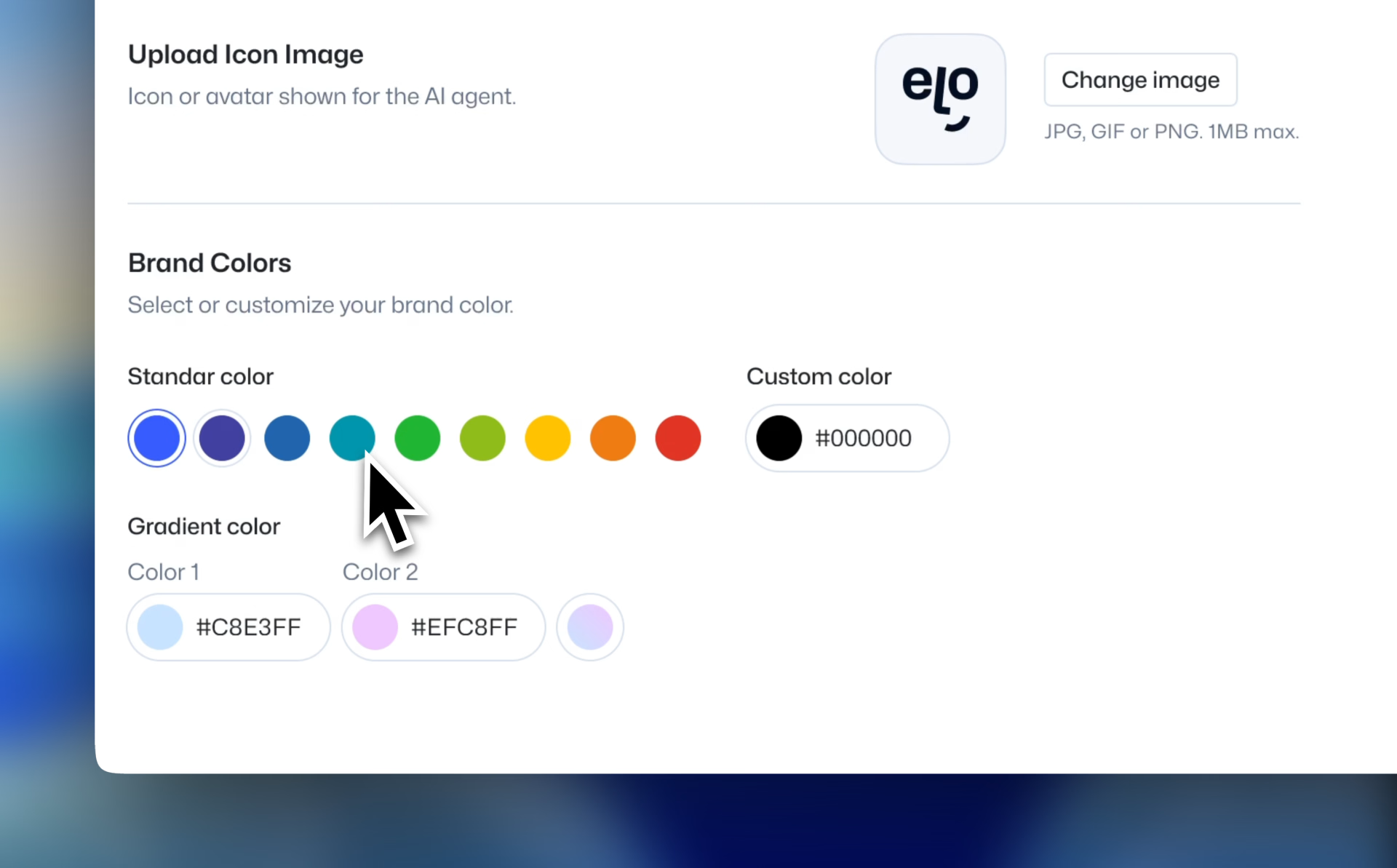
Eloquent's AI agents are built to be customizable. Every single AI agent can be styled to match your brands look & feel.
You have two levels of flexibility:
- Quick customization — adjust icon, colors, and basic styles through our settings.
- Advanced customization — if you have technical expertise, you can completely define the AI agent’s UI yourself. We’ll provide code examples below to guide you.
This balance makes it possible to deliver a consistent brand experience for yourself, while tailoring each agent to your clients.
Quick customization
You can quickly customize an AI agent by selecting it, go to Customize interface and selecting the appearance tab.
Advanced customization
We already cover this in detail in our guide on deploying an agent. Check it out to see exactly how you can customize agent triggers.