Beantwoord supportvragen en identificeer bedrijven met Eloquent’s AI-chatbot voor WordPress
Antwoordmachine
Beantwoordt FAQ’s en “waar vind ik…”-vragen met behulp van je bestaande pagina’s (prijzen, beleid, documentatie, servicepagina’s, kennisbankartikelen).
Pagina’s aanbevelen
Beveelt de juiste pagina/het juiste artikel aan wanneer het beste antwoord al op je site staat, zodat bezoekers niet hoeven rond te klikken.
Gegevens verzamelen
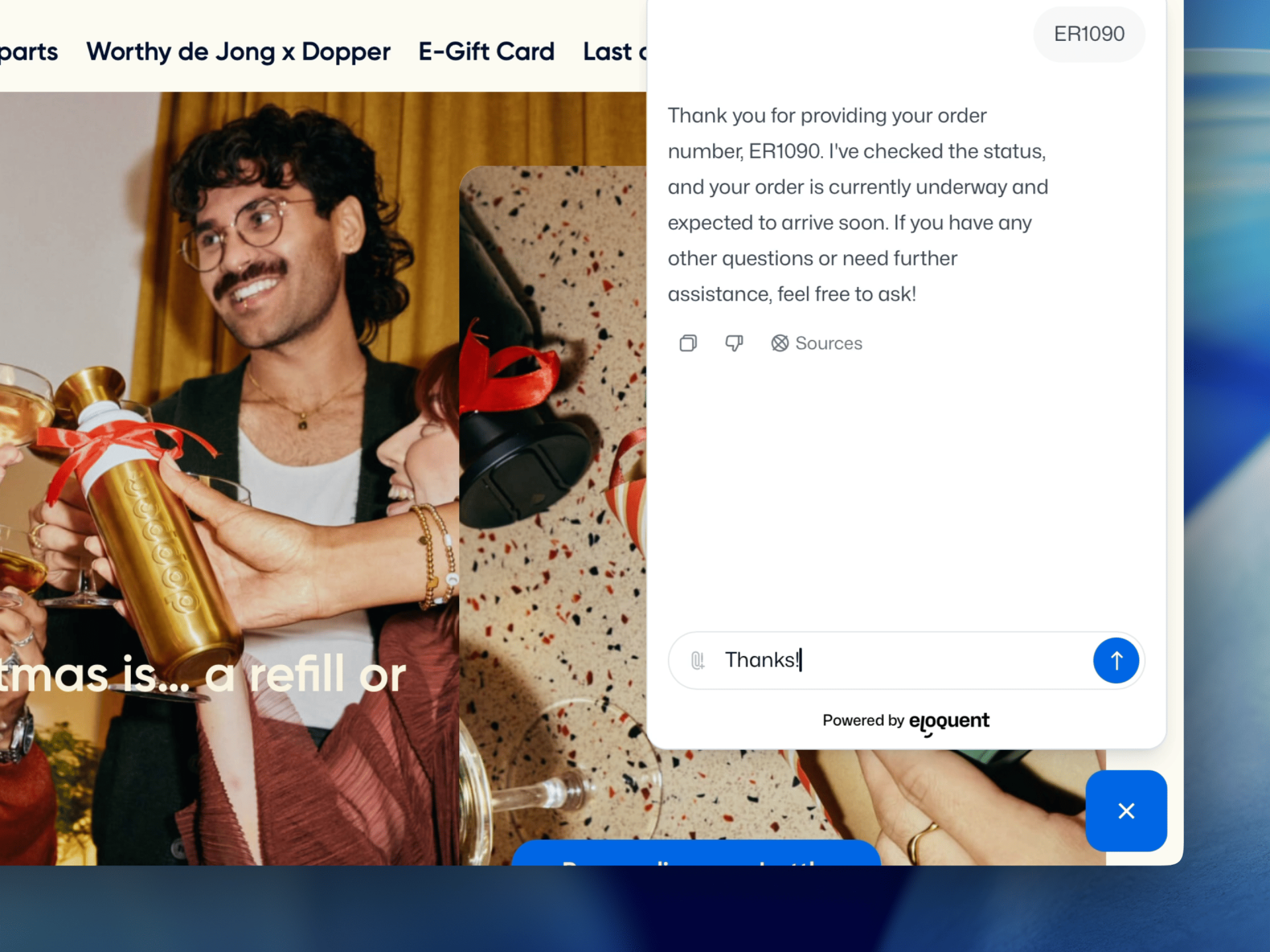
Verzamelt details voordat er wordt overgedragen (zoals e-mail, onderwerp, ordernummer, projecttype of urgentie), zodat je team niet vanaf nul hoeft te beginnen.
Bedrijven identificeren
Identificeert bedrijfsbezoekers door binnenkomend verkeer te matchen met een bedrijfsprofiel en gesprekken te verrijken met firmografische context.
Getraind op je WordPress-content (geen handmatig FAQ’s schrijven)
Eloquent leert van de content die je al in WordPress publiceert, zodat je chatbot antwoordt zoals je website dat doet en up-to-date blijft wanneer je site verandert.
Instellen in 3 stappen
Koppel je WordPress-site: Log in bij Eloquent en open je agent, ga naar de Playground en voer je website-URL in. Eloquent slaat je sitemap op zodat het weet van welke pagina’s het moet leren.
Kies wat je wilt opnemen: Indexeer je volledige site of selecteer alleen specifieke secties (bijvoorbeeld je docs, beleid, servicepagina’s of kennisbank). Je kunt ook pagina’s uitsluiten die je niet wilt laten gebruiken.
Blijf automatisch nauwkeurig: Eloquent controleert op wijzigingen elke 24 uur en ververst de kennis van de chatbot, zodat updates in je WordPress-content worden doorgevoerd zonder extra werk.
Hoe je de chatbot toevoegt aan WordPress
Eloquent draait altijd via één JavaScript-snippet, maar teams plaatsen die snippet op verschillende manieren, afhankelijk van hoe ze je WordPress-website beheren.
Optie A: Gebruik onze WordPress-plugin
Als je niet echt technisch bent, is dit een goede manier om te beginnen met het gebruik van onze AI-chatbot op je WordPress-website.
Open je agent in Eloquent en ga naar "Deploy" in het agentmenu. Kopieer de Domain Identifier uit de snippet; dit is de unieke string achter: domain-identifier=YOURDOMAINID
Plak de Domain Identifier in de Eloquent chatbot-plugin en je bent klaar!
Dit werkt met alle WordPress-thema’s en builders en voegt de snippet site-wide toe.
Optie B: Directe JavaScript-snippet (aanbevolen)
Het beste als je de snelste en eenvoudigste route wilt.
Kopieer de snippet uit het Deploy menu in je agent
Voeg hem toe aan de <head> van je WordPress-site (site-wide)
Publiceer en controleer of de widget verschijnt waar je hem wilt hebben
Dit werkt met de meeste WordPress-thema’s en builders, zolang de snippet site-wide is opgenomen. Als je je website niet zelf beheert, kun je de instructies rechtstreeks per e-mail naar je webdeveloper sturen.
Optie C: Google Tag Manager (GTM)
Dit werkt goed als je WordPress-website scripts al beheert via GTM. Het vereist wel enige kennis van GTM.
Maak een Custom HTML-tag
Plak de snippet
Trigger op All Pages (of alleen geselecteerde paden als je beperkt wilt uitrollen)
Optie D: Gebruik een WordPress-plugin voor “code in header invoegen” (no-code)
Als je geen themabestanden in WordPress wilt bewerken, kun je een plugin installeren waarmee je de snippet voor de AI-chatbot in de <head> kunt plakken vanuit de WordPress-admin.
Plak de Eloquent-snippet in het veld Header / Head
Sla wijzigingen op
Wis je WordPress-cache (als je een caching-plugin gebruikt) en test daarna
Veelvoorkomende WordPress-setupproblemen (en snelle oplossingen)
WordPress-sites gebruiken vaak caching, scriptoptimalisatie en staging-omgevingen. Met deze snelle checks zorg je ervoor dat je chatbot consistent laadt en van de juiste content leert.
Caching- & performance-plugins Sommige WordPress-setups vertragen of optimaliseren scripts. Als de widget niet meteen verschijnt, sluit dan de chatbot-snippet uit van agressieve scriptoptimalisatie en wis je cache.
Plaatsing van de snippet (site-wide <head>) De AI-chatbot moet over de hele site worden geladen. Zorg dat de snippet in de globale <head> staat, zodat hij consistent op alle pagina’s verschijnt.
Staging- vs productioncontent Als je een staging-domein gebruikt, houd dat dan gescheiden van production zodat de chatbot alleen leert van de content die je bezoekers wilt laten zien. Sluit staging/privé-URL’s indien nodig uit van indexering.
Veelgestelde vragen
Hier zijn de meest voorkomende vragen over het gebruik van Eloquent op WordPress, hoe setup en uitrollen werkt en wat je kunt verwachten zodra het live staat.
WordPress-chatbot FAQ
Werkt het met caching-plugins?
Ja. Omdat de widget afzonderlijk laadt, zijn de meeste caching-/minificatie-instellingen geen probleem. Als een caching-plugin scripts agressief vertraagt of herschrijft, moet je mogelijk de chatbot-snippet uitsluiten van zware optimalisatie zodat hij betrouwbaar laadt.
Werkt het met WPML (of meertalige WordPress-sites)?
Ja. Als je site taalspecifieke URL’s of sitemaps heeft, kun je per taal indexeren zodat bezoekers antwoorden krijgen in de taal waarin ze browsen. Dit helpt antwoorden in gemengde talen te voorkomen en houdt aanbevelingen consistent.
Kan ik de chatbot alleen op bepaalde pagina’s tonen?
Ja. Veel teams beginnen met het inschakelen op pagina’s met hoge intentie zoals /pricing/, /contact/ en /support/. Je kunt bepalen waar hij verschijnt met URL-regels, zodat je geleidelijk kunt uitrollen en impact kunt meten.
Kan ik privé- of staging-URL's uitsluiten van indexering?
Ja. Je kunt URL-patronen op een allowlist en blocklist zetten en alles uitsluiten waarvan je niet wilt dat de agent ervan leert (zoals staging-omgevingen, alleen-intern pagina’s of alles achter een login). Als je een staging-domein gebruikt, is het het beste om dat gescheiden te houden van de indexering van productie.
Vertraagt het mijn WordPress-site?
We stellen het laden van de agent uit om de paginaprestaties niet te beïnvloeden. In de meeste setups zal het de paginasnelheid niet merkbaar beïnvloeden — en als prestaties kritisch zijn, kun je eerst starten met een subset van pagina’s of met staging.
Hoe gaan jullie om met AVG-toestemming en dataretentie?
Jij houdt de controle. Je kunt configureren welke informatie wordt verzameld, waar gesprekken naartoe worden gestuurd en hoelang gegevens worden bewaard. Als je consent-berichtgeving wilt of een strengere setup met “standaard geen persoonsgegevens”, kun je de agent zo instellen dat hij om toestemming vraagt voordat identificerende gegevens worden verzameld.
Kan de chatbot supporttickets aanmaken of mijn team informeren?
Ja. Wanneer escalatie nodig is, kan Eloquent een samenvatting + transcript naar het kanaal van jouw keuze sturen (e-mail, Slack of je helpdesk). Zo krijgt je team de volledige context zonder te hoeven copy-pasten.
Kan ik bepalen wat hij beantwoordt (en wat hij moet weigeren)?
Ja. Je kunt grenzen en regels instellen in de agentconfiguratie, templates kiezen en prompts finetunen zodat hij aansluit bij je tone of voice en beleid. Je kunt ook beperken welke bronnen hij mag gebruiken.
Hoe ziet de prijsstelling voor Eloquent op WordPress eruit?
De prijs hangt af van het gebruik en de setup die je nodig hebt. Je kunt starten met een gratis proefperiode en daarna een plan kiezen dat past bij je verkeer en doelen. Bekijk onze Prijzen-pagina voor alle details (of neem contact met ons op en dan adviseren we het beste startpunt).
Wat Eloquent bezoekers helpt doen op je WordPress-site
Prijzen & plannen
Maak prijzen en pakketten makkelijk te begrijpen: vergelijk plannen, kies de juiste optie en schep duidelijke verwachtingen voor onboarding.
Integraties & productfit
Help bezoekers de compatibiliteit te bevestigen en de juiste technische details te vinden: integraties (zoals HubSpot of Salesforce), documentatie en belangrijke vragen over functies.
Support & beleid
Los veelvoorkomende supportvragen direct op en houd alles consistent: contact opnemen met support, SLA’s/responstijden, retouren of annuleringen en wijzigingen in account of abonnement.
Sales & doorverwijzing
Zet koopintentie om in actie: vraag een offerte aan, plan een gesprek, stuur het gesprek door naar sales en leg het vast in je CRM.
Overdracht naar een medewerker & opvolging
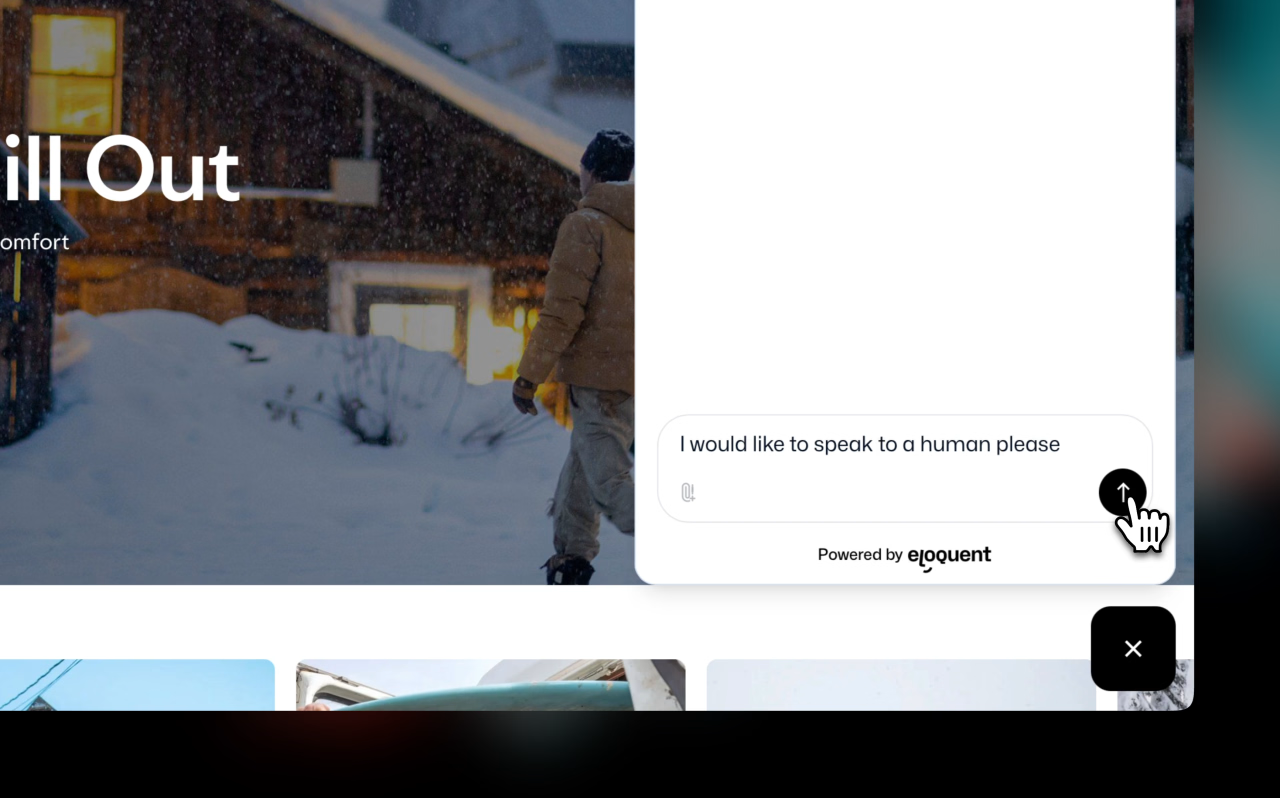
Wanneer een bezoeker een persoon nodig heeft, of het nu om een supportvraag of koopintentie gaat, kan Eloquent de juiste gegevens verzamelen, de context samenvatten en het gesprek doorzetten naar het juiste team. Jij bepaalt wat een overdracht triggert, welke vragen er vóór het doorsturen worden gesteld (e-mail, onderwerp, ordernummer, bedrijf, rol, use case, tijdlijn) en waar het naartoe moet (bijvoorbeeld e-mail, Slack/Teams, helpdesk, webhook of CRM-logging wanneer geconfigureerd).